
keepmeet
AI meeting notes · 2026
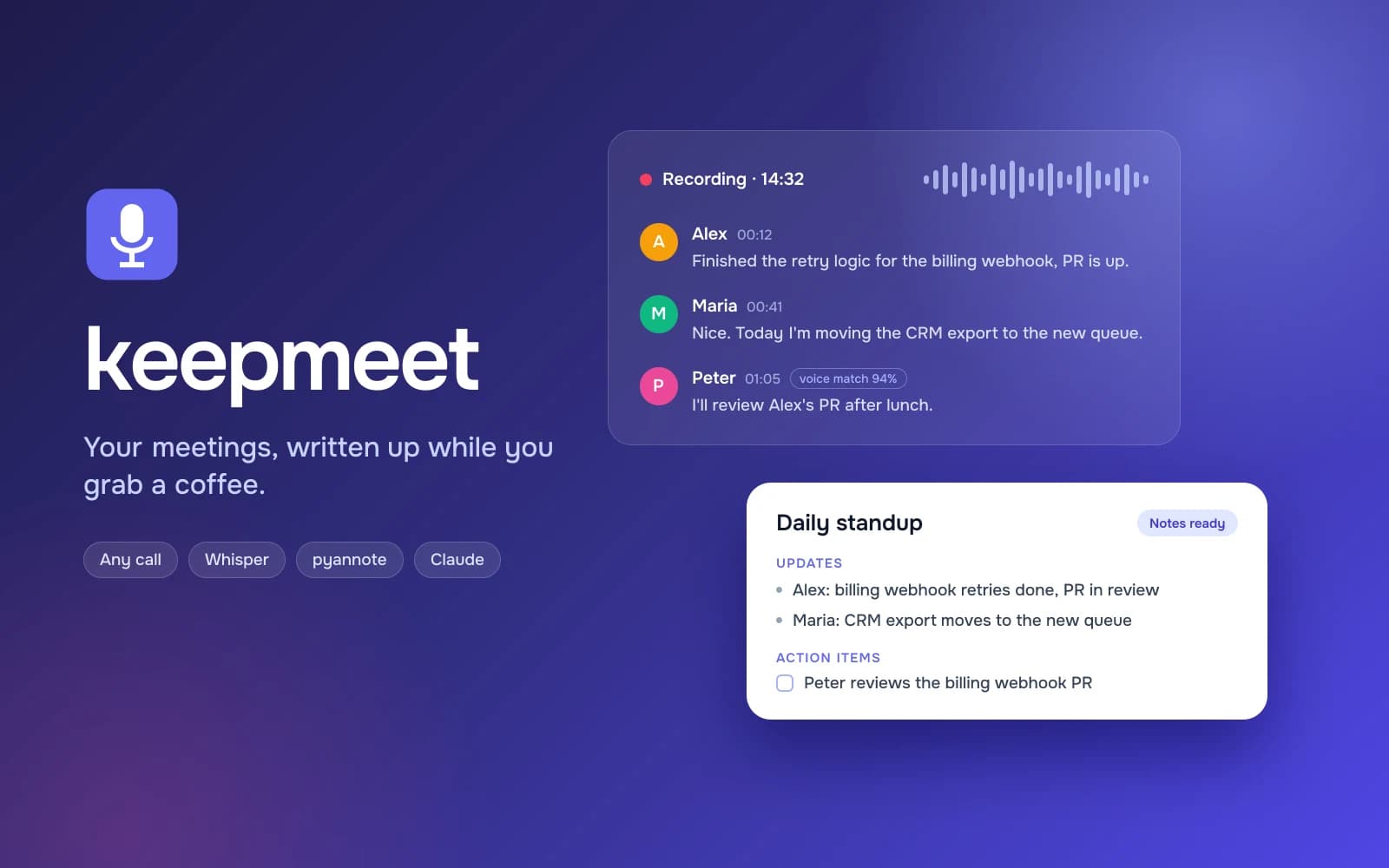
A self-hosted meeting assistant that records any call on your own PC, whether it is Teams, Zoom, Google Meet or Discord, figures out who said what, and turns the conversation into structured notes ready to publish to Confluence. It combines Whisper large-v3 transcription with per-segment language detection, pyannote diarization with voice profiles that learn from every meeting, and Claude for speaker naming and notes in seven meeting formats.
Overview
keepmeet runs quietly on a Windows PC and records the system audio together with the microphone, so it works with any calling app. Teams calls are picked up automatically, any other call starts with one click, and a recording can also be uploaded or pulled from the Teams cloud. When the call ends it transcribes, recognizes speakers by voice and writes meeting notes that can be reviewed, edited and published in one click.
Challenge
Real meetings are messy: speakers switch between Russian and English mid-sentence, Whisper hallucinates phrases in silence, nobody is labelled by name, and a daily standup needs very different notes from a planning session or a retro. All of it had to run locally on a 4 GB laptop GPU without a bot joining the call.
Solution
I built a FastAPI backend with a React 19 UI around a pipeline of voice activity detection, per-segment language detection, Whisper large-v3 and pyannote diarization, then word-to-speaker alignment. Voice profiles grow with every confirmed name, Claude fills in unknown speakers from conversational cues with visible evidence, and a team glossary keeps service names spelled correctly.
Outcome
Notes for every call appear minutes after it ends, in the right format for the meeting, with speakers named and action items captured, and are published to Confluence as a proper page. The project is open source under the MIT license.